Begin with an offer and the area you genuinely serve
Before planning a collection of location pages, list the services you want customers to inquire about and the places where you actually deliver them. A Columbia studio receiving clients on site, a designer consulting across Howard County, and a contractor traveling to properties have different coverage information to explain. Their page structures should reflect those differences.
Build a simple page map with four columns: the customer’s question, the URL that answers it, the evidence available, and the next action. A question about a particular service usually belongs on a service page. A question about attending a real location may need a location page. Many coverage questions can be answered on an existing service or service-area overview.
Write the service page before multiplying the place names
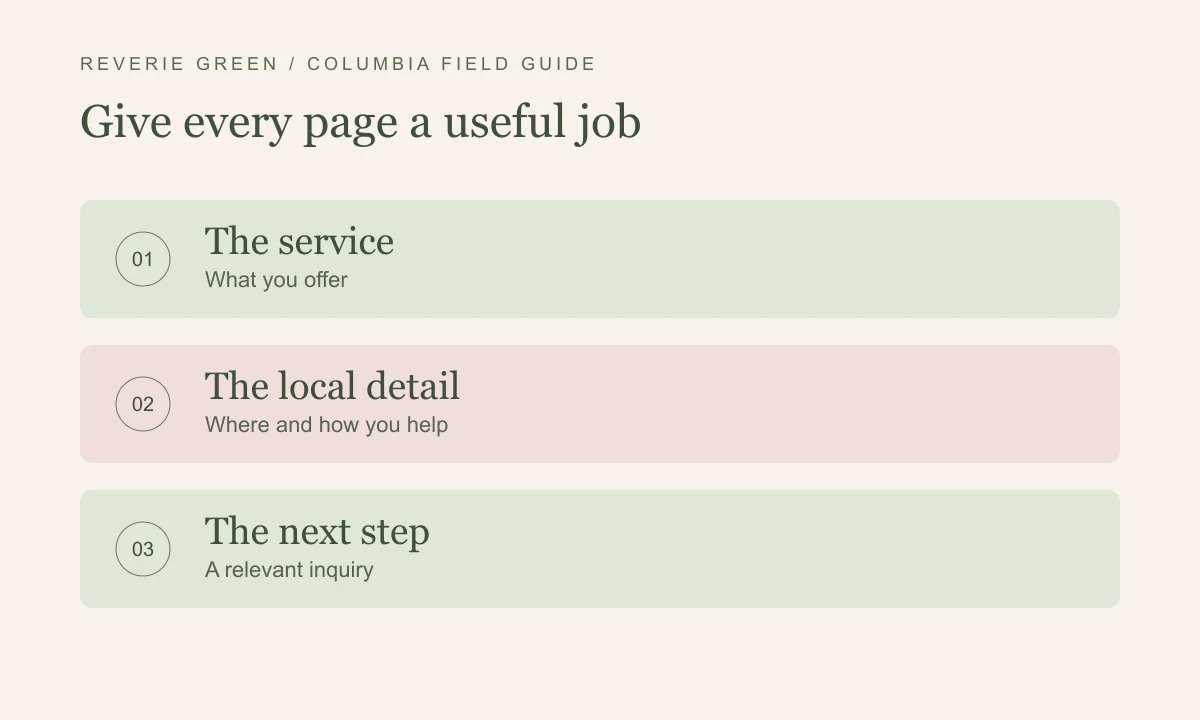
A strong service page explains who the work is for, what the engagement includes, how the process works, and what the customer should provide. Add the real service area where it helps someone decide whether to inquire. A prospective client should be able to tell the difference between a full-service project and a smaller consultation without translating the business’s internal terminology.
For a hypothetical Howard County remodeler, a kitchen remodeling page could describe project fit, the planning process, supplied materials or responsibilities, and the consultation route. Those details help a customer more than a long block of nearby town names. Use project photos and location references only when permission and the underlying facts support them.
Give a location page information worth traveling for
A separate Columbia page becomes useful when it can answer distinct local questions. A real branch can explain its entrance, parking, accessibility, hours, team, and services available there. A traveling service business may have a relevant project story, a defined coverage boundary, or practical appointment arrangements that require more explanation.
Ask whether someone would still learn something if the city name disappeared from the heading. If every paragraph could be copied to Ellicott City or Clarksville with one replacement, the page probably needs better source material or can be consolidated. Google’s doorway-abuse guidance is a useful boundary when evaluating collections of very similar location pages.
Keep local examples accurate and specific
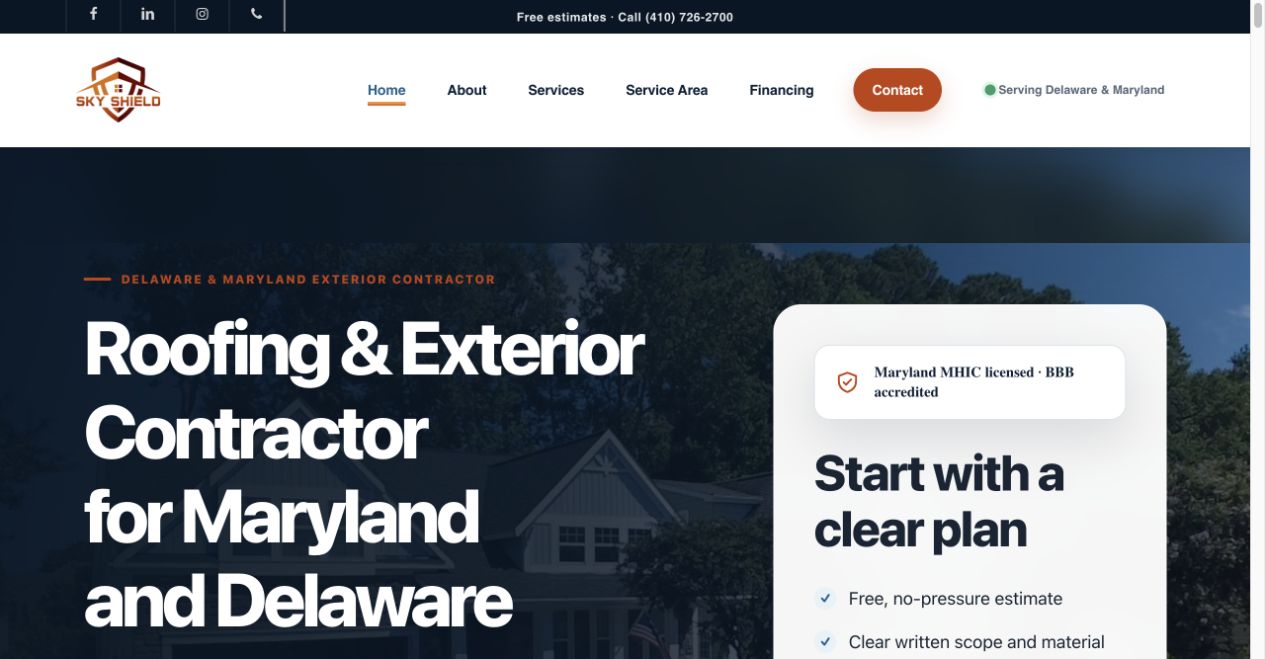
Sky Shield’s WordPress rebuild in our portfolio brings together exterior service information, completed-project photography, homeowner resources, and estimate routes for Maryland and Delaware homeowners. It gives readers a real example of a service business explaining its offer and next step. For a Columbia business, the same planning question applies: which service does this page explain, and where can the customer request it?
Keep a short evidence note for each proposed page. Record where a project was delivered, whether the client permits publication, which photographs can be used, and who will review the service description. An accurate paragraph with a relevant image is more useful than a detailed local story assembled from assumptions.
Connect the pages through the questions people ask next
Link a service-area overview to the services available in that area. Link a project story to the relevant service, and let an educational guide point toward a commercial page when the reader is ready to ask for help. Use visible, descriptive link text so people know what they will find. These relationships also make the site easier to navigate without returning to the main menu.
Give similar pages different responsibilities. The Columbia local SEO service page explains what a business can hire Reverie Green to do. This guide explains how to plan the website structure. The Business Profile checklist covers the listing-to-website handoff. Keeping those jobs distinct gives the reader a useful sequence through the subject.
Preserve useful URLs during a WordPress rebuild
Export the current URL list before changing the site. Note which pages receive relevant search visits, have useful external links, or support real inquiries. Keep a working address when the page still has the same job. When content genuinely moves, plan the appropriate redirect to its closest replacement, then update internal links and the sitemap.
After launch, follow the important paths on a phone: search landing page, related service, project example, and inquiry. Check the page title, canonical URL, images, and form labels as well as the layout. Review Search Console after Google has had time to recrawl. Preserve the underlying comparison period so changing page structure does not turn into an unreliable before-and-after claim.
What to carry forward
- Give each URL a distinct customer question and next step.
- Use real coverage, location, and project facts.
- Add dedicated location pages when the content supports them.
- Map important URLs and redirects before a rebuild goes live.