Start with the question the section must answer
Before choosing a picture, write down what the visitor needs from that part of the page. Are they trying to understand your atmosphere, judge the quality of your work or follow a process? That question determines whether a photograph, a project image or a simple diagram belongs there.
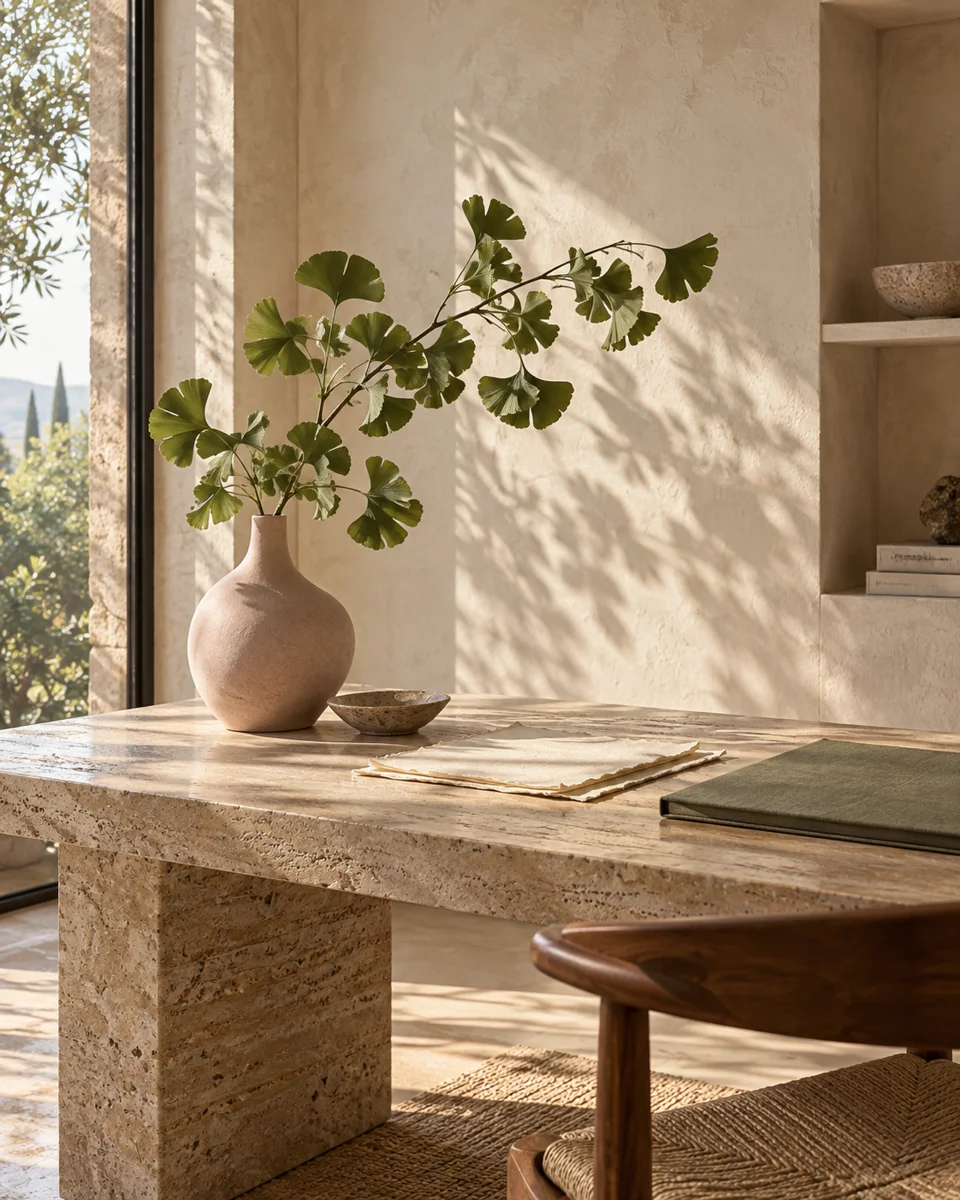
A beautiful image can still be the wrong image. A botanical still life may suit a design studio introduction, but it cannot show that a contractor completed a kitchen renovation. The evidence and the atmosphere should support each other without being confused.
Use real photography where the claim is real
Team portraits, completed projects and photographs of a business location help visitors connect the website to a real place and real people. Ask for original files, permission to use them and enough context to describe what they show. Keep a record of the photographer and any usage restrictions.
When a portfolio photo is missing, use an honest explanation of the service rather than an invented project. A strong page can earn confidence through a clear process and useful detail. It does not need imagery that could lead a visitor to believe work was completed when it was not.
Let artwork carry the mood
Illustration and generated artwork can give editorial pages a distinctive atmosphere. A restrained palette, believable materials and a clear subject tend to age better than elaborate scenes filled with miniature interfaces and decorative objects. Review at full size before deciding that a thumbnail looks convincing.
Look closely at reflections, plant structures, furniture edges and any lettering. Remove images whose details do not hold up. Keep generated scenes out of testimonial and project evidence. Where the context could be ambiguous, explain that an image is a concept or illustration.
Draw the explanation instead of photographing it
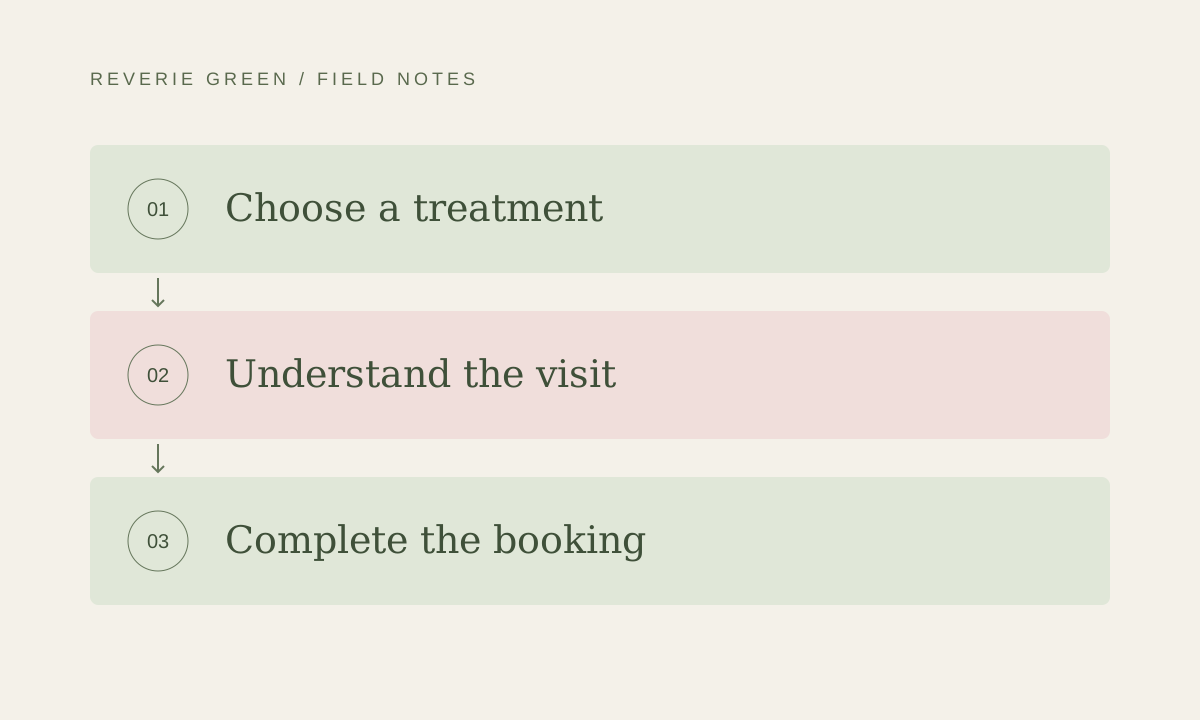
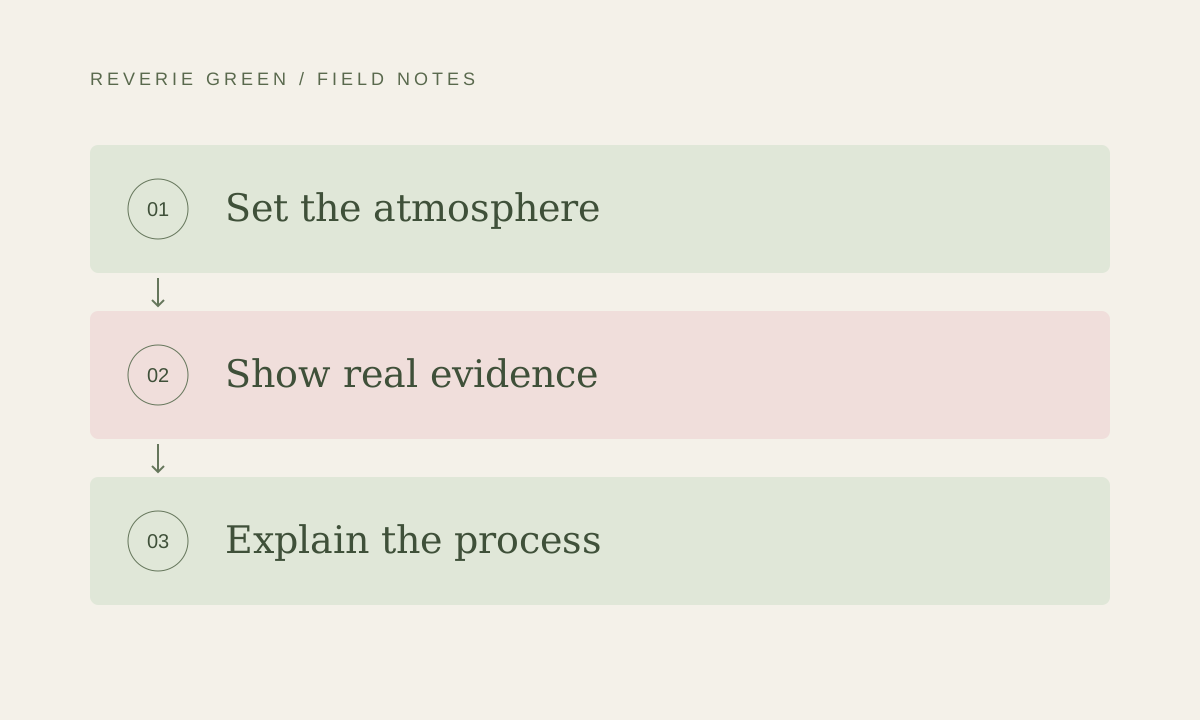
A process or decision framework often works best as an actual diagram. Keep the labels short and the order obvious. Three or four steps with a sentence of explanation can communicate more than a large decorative moodboard covered in unreadable text.
Build labels as selectable page text or accessible vector artwork. Make sure the same information is available in the surrounding copy. A diagram should remain understandable on a phone without pinching to zoom or guessing what a tiny arrow means.
Finish with a crop and loading review
Approve images in the layout where they will appear. A wide photograph may lose its subject inside a portrait card. Prepare appropriate crops and reserve the space each image needs so the surrounding text stays steady while it loads.
Keep a small image inventory with the source, rights information, intended placement and alternative text. Revisit it when the site changes. Consistency comes from a handful of thoughtful decisions repeated across the site, rather than choosing an unrelated striking image for every section.
What to carry forward
- Choose imagery according to the question the section answers.
- Use authentic project photography as evidence.
- Review artwork at full size and in its mobile crop.